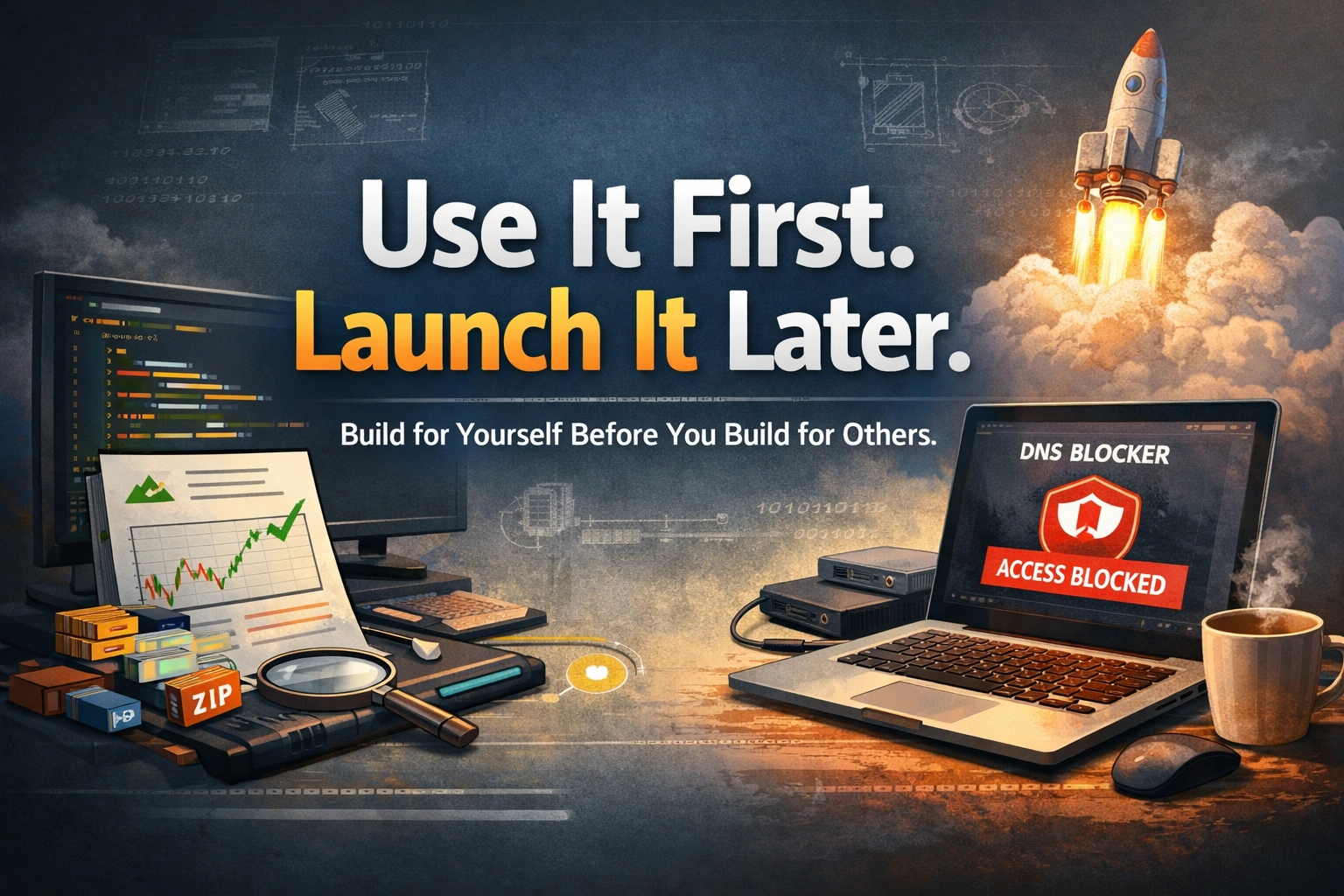
TL;DR: The most useful tools I’ve built aren’t products, they’re small, personal tools I use every week. I built three: a stock exit validator, a media analysis/compression pipeline, and a habit-friction DNS blocker. Some are scripts, one is a simple local frontend, but all of them solve exactly one problem. I used them first, and only expanded them after they proved useful. With AI coding assistants, the cost of doing this has dropped from a weekend to an evening.
The most useful tools I’ve built aren’t products.
Some are scripts. Some are small local apps. None of them were built to be launched.
They solve one specific problem, and that’s enough.
At work, we spend our time building complex systems. We design for scale, handle edge cases, and think in abstractions.
But outside of that, small inefficiencies quietly pile up. Repeated tasks. Minor annoyances. Things that take a few minutes each time, but add up over weeks.
The shift for me was simple: stop thinking in terms of side projects and start building tools I would actually use.
What is the "use it first" rule?
Recently, I've been building small personal tools. Not side projects, tools. The difference matters.
A side project is something you want to grow. You add features, plan a roadmap, maybe even dream about launching it. Most side projects die because the ambition outgrows the motivation.
A personal tool solves one specific friction in your life. You build it, you use it, you're done. No landing page. No roadmap. No users.
The rule I follow: Zero initial scope creep. Use it first, expand later.
If V1 takes more than two evenings to build, the scope is too big. Cut features until it fits. A tool starts with one user: you. If it proves useful repeatedly, then it earns more time, better UX, more features, maybe even sharing it with others. But the initial barrier to entry must remain microscopic.
If it works really well for you, consistently, over time, and you find yourself relying on it, that’s a signal.
At that point, if you feel it could genuinely help others, you can choose to share it or turn it into something more.
But that decision comes later, after it has proven its value in real use, not just in idea.
Tool 1: The Exit Validator, Execution Over Emotion
I invest in stocks. Like most retail investors, I often sell when the market is clearly heading downward. The problem isn't the core decision to sell; the problem is wondering if my execution timing was tight or if I left money on the table right before the drop.
I wanted an objective answer to one question: "Given that I correctly identified a downward trend, was my execution speed correct, or was I late to the party?"
So I built an analysis tool. It's not about torturing myself over unpredictable market noise, it's about evaluating my execution speed. I simply upload my trades as a CSV file. The tool runs entirely locally with absolutely no data sent over internet, and all the data is locally encrypted, so I never have to worry about security or privacy issues. It seamlessly compares my exit timing with the subsequent drop.
No portfolio tracker. No buy recommendations. No charts with 50 indicators. Just one question, answered with data.

One question: was my execution timing right? Answered with data, not feelings.
The result was surprisingly useful, I discovered that most of my execution times were fine. The regret was mostly noise. Just seeing the data in a clean format removed the emotional second-guessing.
Build cost: One evening talking to AI.
Ongoing value: Every time I sell a stock, I check. Takes 10 seconds. Saves hours of emotional second-guessing.
Tool 2: Media Compression Pipeline, Dodging the Cloud Storage Tax
I back up my photos and videos to a cloud service. Recently, I hit that dreaded notification: I was approaching my storage limit.
To keep my backups running, the service wanted me to automatically upgrade my subscription to the next tier. It wasn't a massive expense, but I hated the idea of paying a permanent "storage tax" month after month just because modern camera phones shoot unnecessarily massive files.
If I could drastically reduce the size of the files locally without a noticeable drop in quality, I could stay comfortably within my existing, cheaper cloud plan.
I built a simple shell script that:
- Iterates through my local media folders
- Compresses photos and videos using high-efficiency settings I specifically chose
- Visually verifies the integrity of the newly compressed files
- Purges the massive originals (leaving only the optimized versions to sync to the cloud)
The result? I shrank my media footprint by over 40% in one go. I didn't upgrade my cloud subscription, and my backups fit perfectly in my existing plan again.

Shrank my media footprint by over 40%. No permanent cloud storage tax.
The important thing: I didn't build a "media management platform." There's no UI, no web interface, no database. I run it when storage gets low. Later, because it proved so useful, I added parallel processing to handle multiple folders simultaneously, and expanded it to PNG and WAV files too.
Build cost: One evening for V1, incremental improvements later.
Ongoing value: I run it whenever my cloud storage starts getting tight. It takes a few minutes and permanently saves me from subscription tier upgrades.
Tool 3: Shamir's Secret Sharing, Engineering a DNS Blocker
This one is my favorite because it's the most absurd application of serious cryptography to a silly human problem. It started from a small observation: I would mindlessly open distraction websites not because I needed to, but purely out of habit.
There's a principle from Atomic Habits by James Clear: If you add friction to bad habits, they become less likely.
I tried standard app blockers and screen time limits, but the workaround was always too easy, just click "Ignore Limit" and you're back in. I needed the workaround to be technically difficult. So instead of relying on willpower, I engineered friction using Shamir's Secret Sharing algorithm.
I blocked my distraction sites at the DNS level using a Pi-hole on my home network. Because it's a network-level block, persistent tokens and cookies don't matter, the connection simply drops. To disable the block, you have to log into the Pi-hole Admin panel.
So, I took my Pi-hole Admin password, used Shamir's Secret Sharing to split it into 3 shares, and deleted the original password:
- One share on my phone
- One share on my laptop
- One share in a password manager I deliberately made inconvenient to access
To log in and disable the Pi-hole block, I need to combine at least 2 shares. This means I can't impulsively unblock sites from my phone in bed, I have to get up, fetch my laptop, run the reconstruction script to decrypt the admin password, log into the Pi-hole, and disable the block.
By the time I've done all that effort, the impulse is gone.

Cryptography designed for nuclear launch codes, applied to my Pi-hole admin password.
Build cost: A couple of hours, mostly understanding the cryptography, once I understood the cryptography concept, AI built it in 10 minutes.
Ongoing value: Fewer mindless opens, more intentional usage. The friction is enough to break the automatic habit loop.
What pattern do these tools share?
Look at these three tools. They have nothing in common technically, but they follow the same pattern:
- Identify a specific, recurring friction, not a vague problem, a specific one.
- Resist the urge to build a "full app", no UI unless absolutely necessary, no database unless you need one.
- Build the smallest V1 that removes the friction, use it repeatedly.
- Expand only if it proves useful, if you encounter new friction later, add to it then. Don't build it upfront.
The anti-pattern is skipping step 3. The moment you jump straight to adding user accounts or thinking about a launch before you've even used it yourself, you've crossed the line from solving your problem to creating a new one.
Why does this matter more now?
The cost of building small tools has dropped significantly.
Before AI coding assistants, building the Exit Validator would have meant researching APIs, setting up boilerplate, and debugging for a solid 3 hours. Hard to justify for something you use once a month.
With Claude Code, the same tool took 40 minutes. The AI handled the API research, the boilerplate, and most of the debugging.
The economic equation for personal tools has completely changed. The real bottleneck isn't effort anymore, it's clarity. Can you define the problem precisely enough, and can you stop once it's solved?

The cost of building personal tools dropped from a weekend to an evening
The Hidden Benefit: Better Product Instincts
Building tools for yourself sharpens instincts in a way side projects don't.
When you build something for yourself, you're the user and the developer. You feel every friction point. You cut unnecessary features faster. You optimize for usefulness, not perception.
These are exactly the skills that make you better at your day job:
- Better problem definition
- Tighter scope control
- Faster execution
Every personal tool I've built has made me slightly better at building things for other people. It's practice, disguised as productivity.
Your Turn
What's one thing you do manually every week that annoys you?
Not a big life problem. A small, specific friction. Something you've just accepted as "the way it is."
You have the skills to fix it. And with AI tools, you have the time.
Don't plan a product. Open your terminal, describe the problem to your AI assistant, and build the simplest possible solution. Use it.
If it works, keep it. If it proves valuable, improve it. And only then, if it genuinely deserves it, think about sharing it.
Frequently Asked Questions
What is the difference between a personal tool and a side project?
A side project aims to grow and find users. A personal tool solves one specific problem for you, and it's done once that problem is gone.
How small should the first version be?
My rule: if V1 takes more than two evenings to build, the scope is too big. Cut features until it fits.
When should I share a personal tool with others?
Only after you have used it regularly and it has proven useful over time. That decision comes after real use, not at the idea stage.